
Orivo RGB Monitor Light Bar
Light up your setup.
One bar, two lights. Clean white light on your desk for work, and an RGB glow on the wall behind your screen for gaming.
- Free shipping
- Secure card payment
- Work and gaming
- Fits almost every desktop monitor — flat, thin or curved.
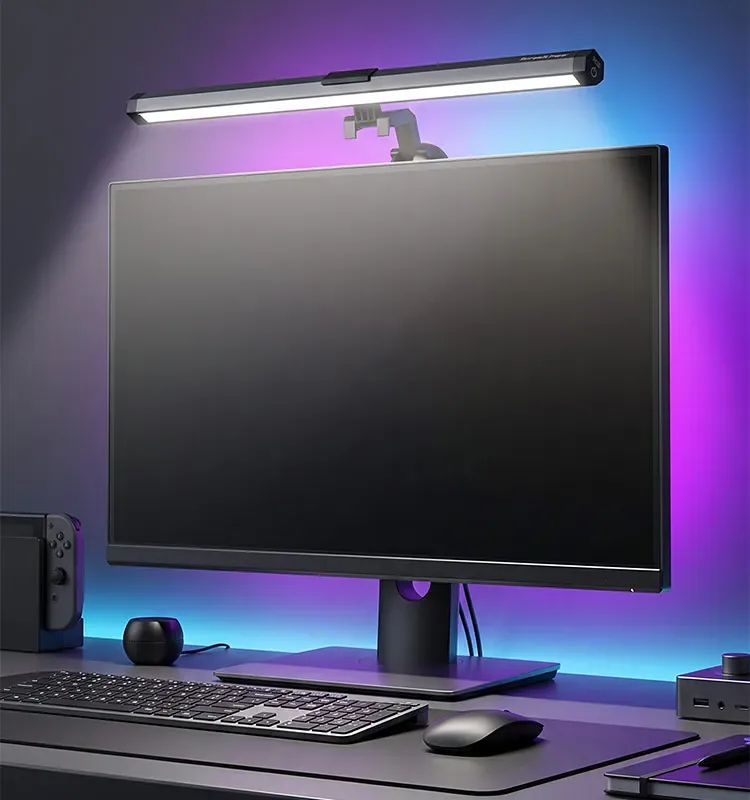
Two lights.
One bar.
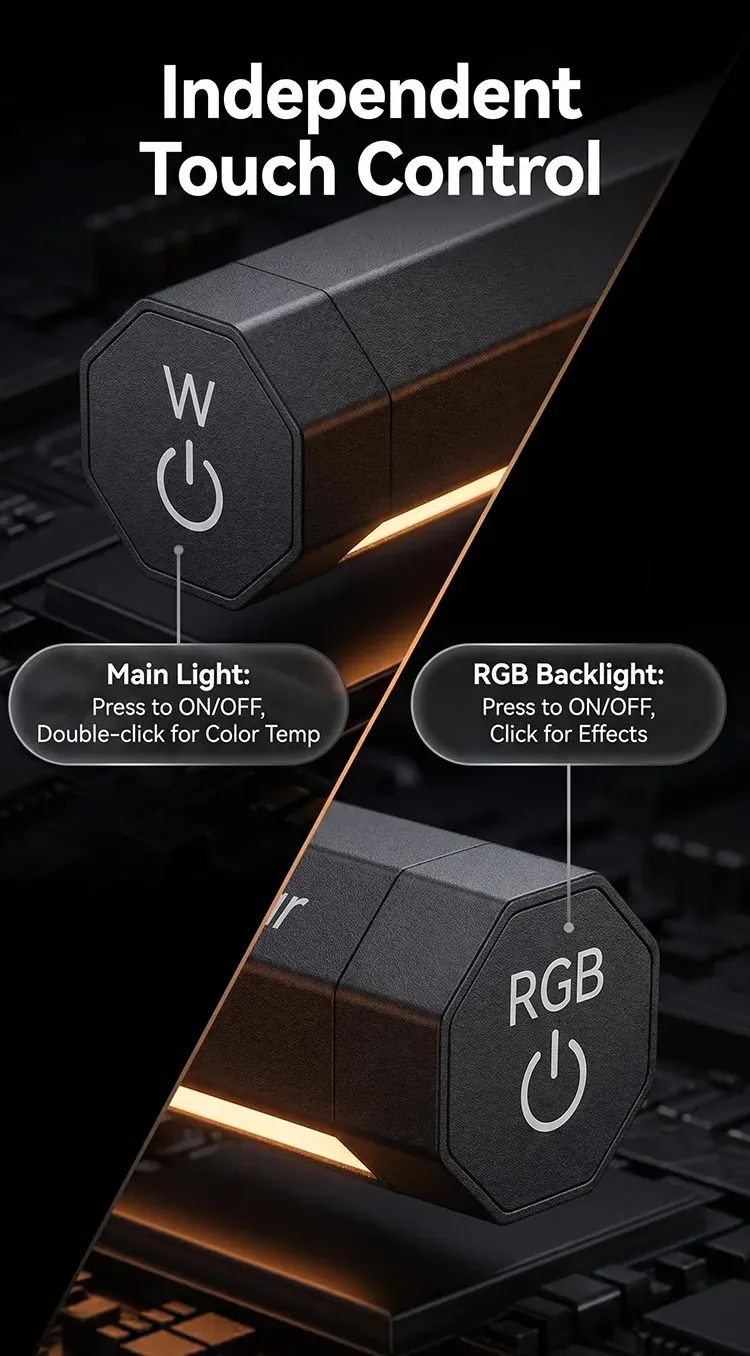
Each light has its own touch button. Use one, or both at the same time.

Made for long work nights.
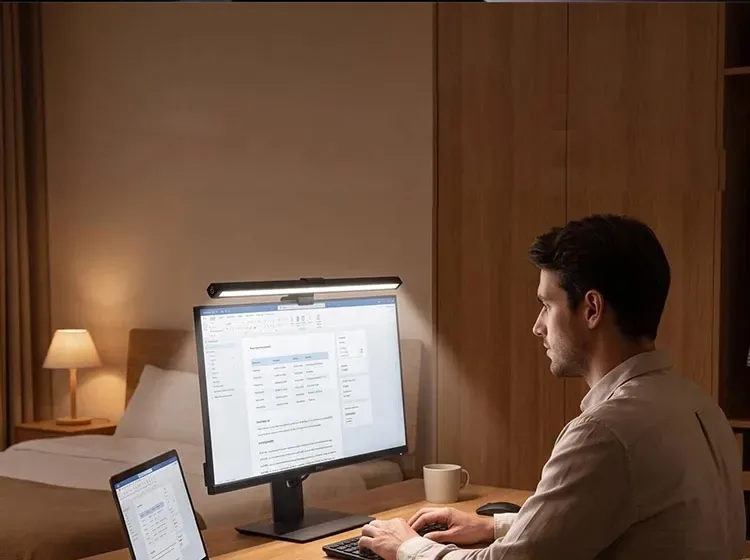
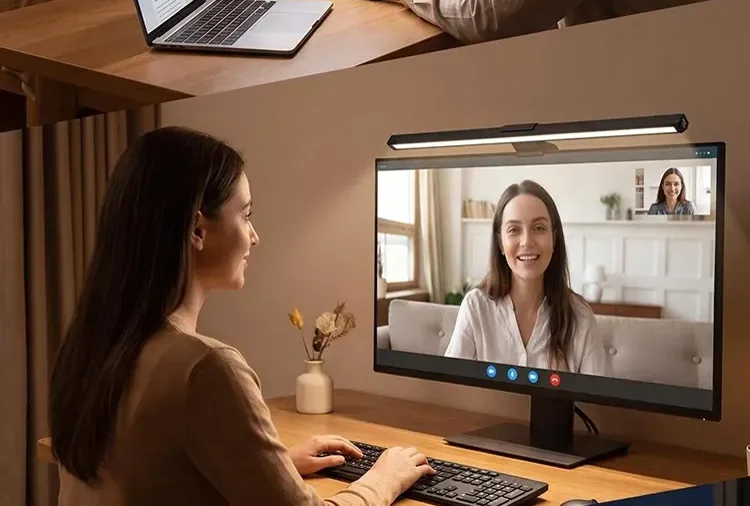

Pick your glow.
The RGB backlight washes the wall behind your screen. Tap a color, or let it cycle.
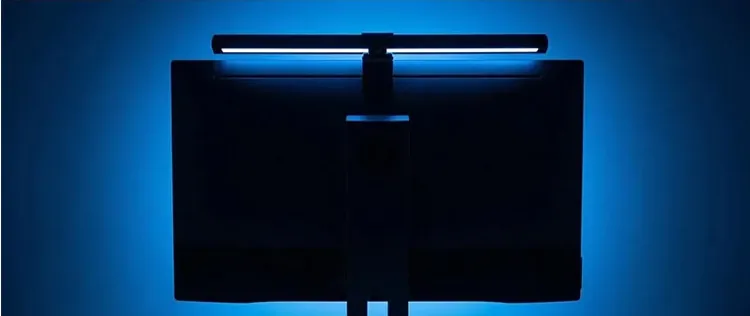
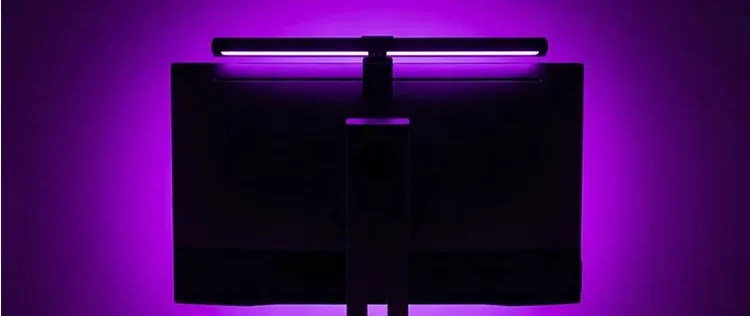
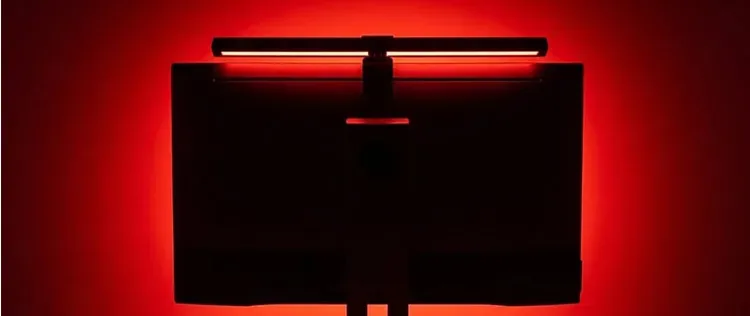
Backlight color
Real photos of the backlight. Cycle steps through them every 2.5 seconds; the bar on the photo shows the time to the next color.
Three whites.
Warm for evenings, natural for all day, cool for focus.
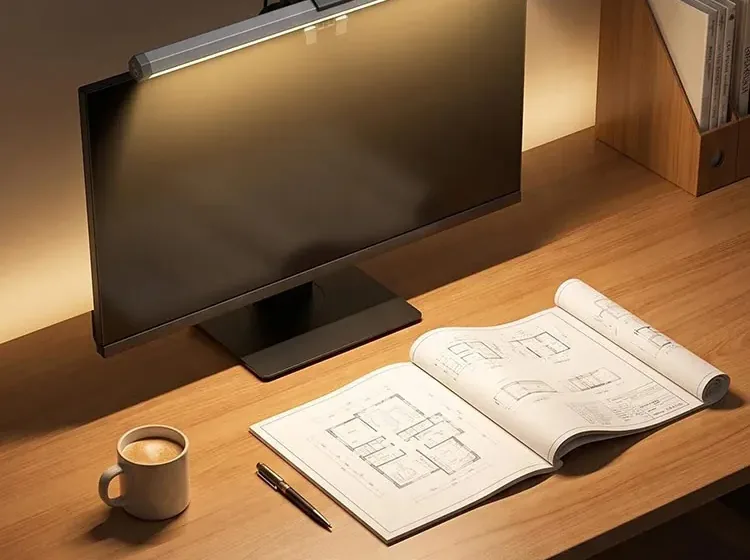
Tone preview on a photo. The real light looks best in a dim room.
Try the touch button. Tap to turn the white light on or off. Double-tap to change the tone.
Will it fit?
Fits almost every desktop monitor — flat, thin or curved.
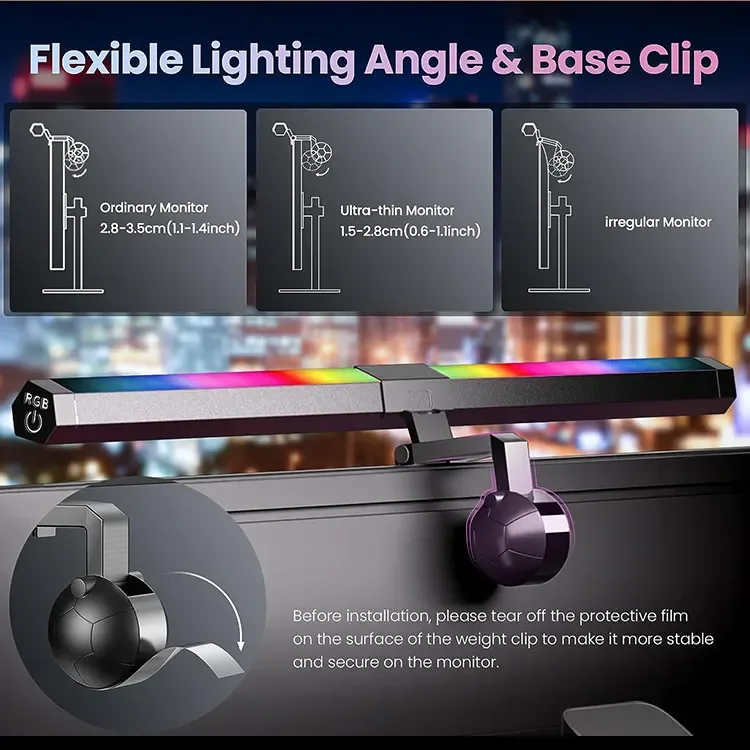
- Normal monitors (2.8–3.5 cm at the top)
- Thin and curved monitors (from 1.5 cm)
- Not for screens thinner than 1.5 cm
No screws, no glue: the ball weight holds it behind the screen.
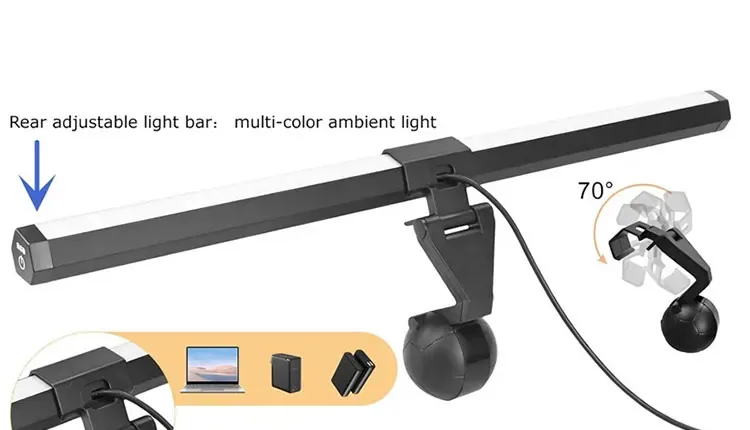
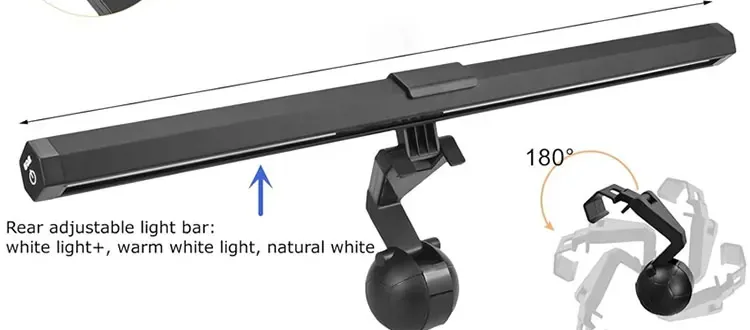
Adjust the angle.
The clip tilts so the light lands where you need it.
How to use.
No tools, no screws. Clip, plug, touch.
- 1Clip it on. Set it on top of your monitor. The ball weight hangs behind the screen.
- 2Plug it in. Connect the USB cable to your computer or any USB port.
- 3Touch W. The front white light turns on and lights your desk.
- 4Touch RGB. The colour light glows on the wall behind your screen.
In the box.
Everything you need, plugs into any USB port.
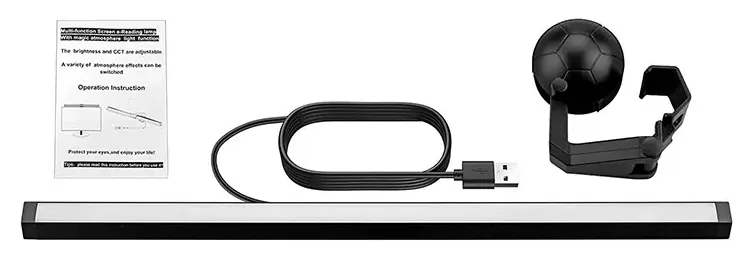
- Light bar
- Ball counterweight clip
- USB cable
- User manual
Questions.
How is it powered?
With the USB cable. Plug it into your computer or into any USB phone charger.
Where does each light go?
The front light shines down on your desk and keyboard. The RGB light glows on the wall behind your monitor.
Can I use both lights at once?
Yes. Each light has its own touch button, so you can use one, the other, or both.
How do I pay?
By card on Stripe’s secure checkout page: Visa, Mastercard, Discover or Apple Pay. Stripe handles the payment, so we never see your card number.
When will it arrive?
See our shipping page. You get a tracking number as soon as your order ships.
Another question? Email support@orivo.one.
Get yours.
Fill in your delivery details, then pay by card on the secure page.